
Mini Football - Mobile Soccer APK + MOD (Endless,Weak enemy) v3.1.0
Updated onAPK Detail
| Package Name | com.miniclip.minifootball |
|---|---|
| Category | Sports |
| MOD Features | Endless,Weak enemy |
| Version | 3.1.0 |
| Size | 157.92 MB |
| Requires | 4.4 and up |
| Developer | Miniclip Com |
| Price | Free |
Main Content
Mod Information
Endless Sprint/Dumb enemy
Mini Football - Mobile Soccer App Detail
Mini Football - Mobile Soccer Mod App Reviews
Title: Mini Football - Mobile Soccer Mod Endless: A Detailed Game Review
Introduction:
Mini Football - Mobile Soccer Mod Endless is an engaging football game that combines fast-paced gameplay with exciting features. In this review, we will explore the game's graphics, controls, gameplay mechanics, customization options, and overall experience.
Graphics:
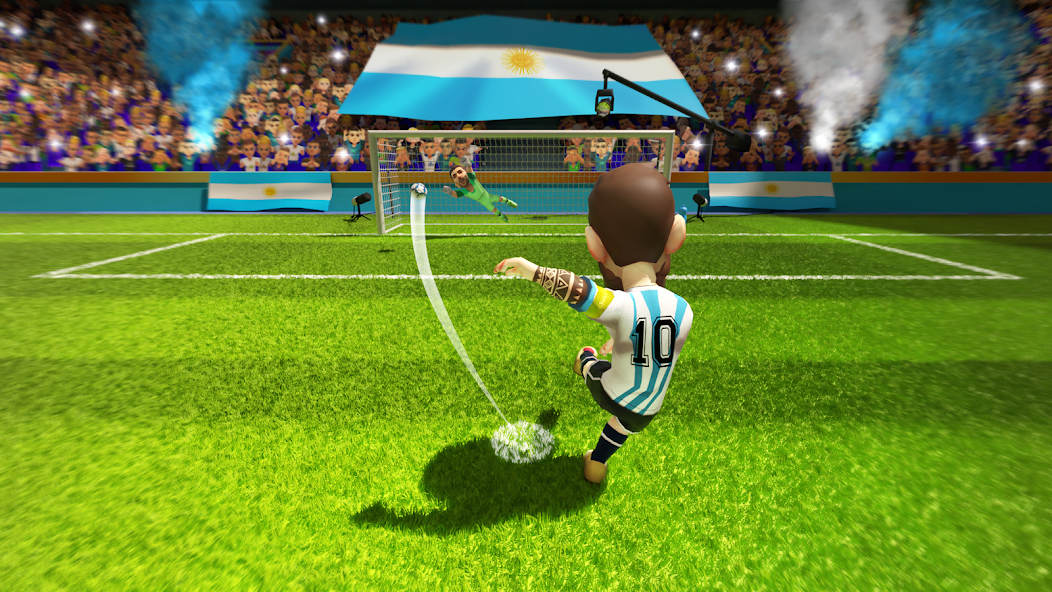
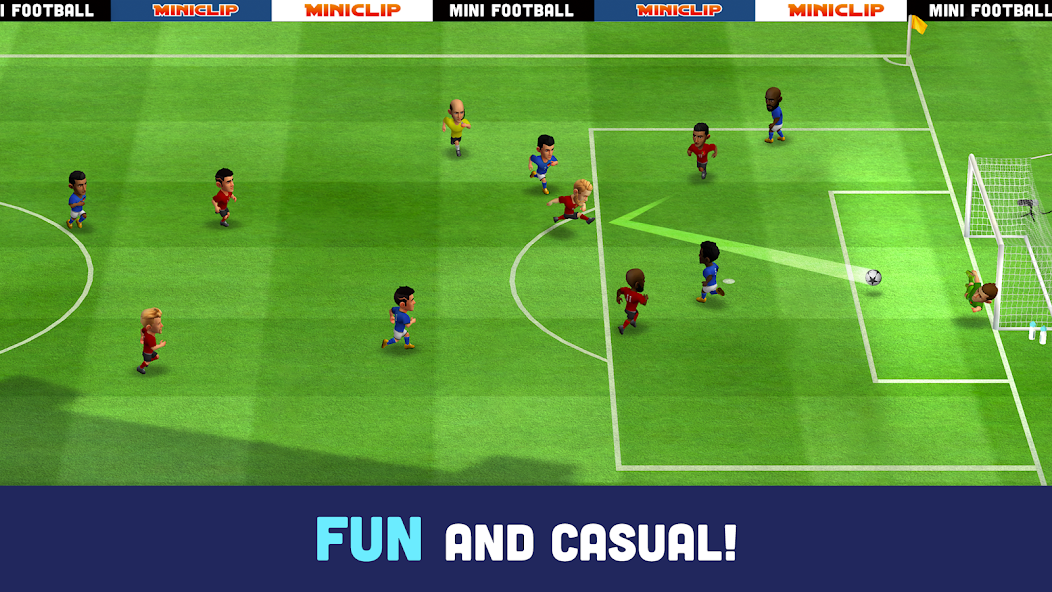
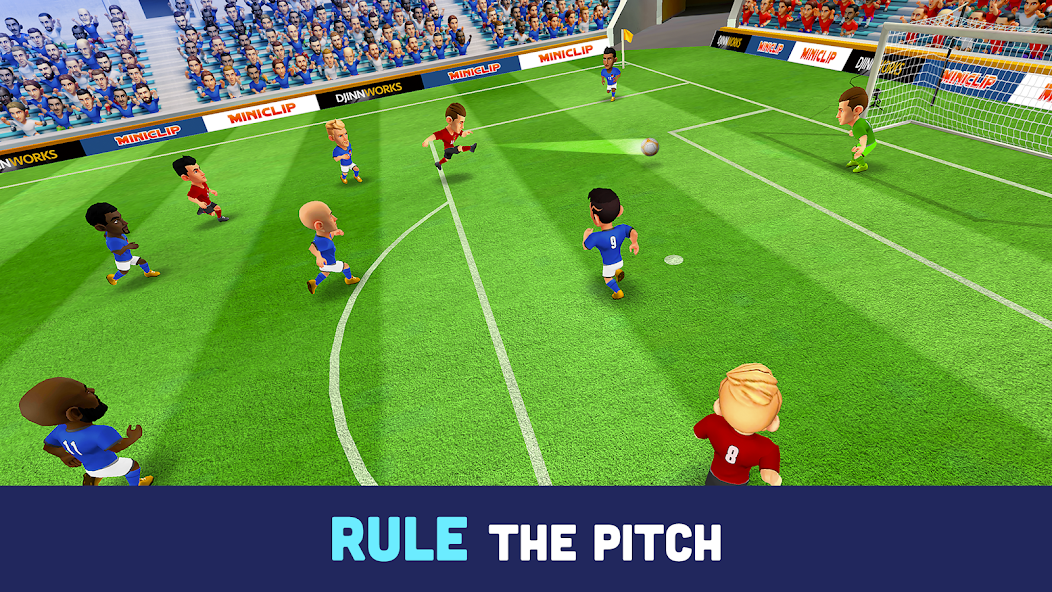
The game offers vibrant and colorful graphics that enhance the overall visual experience. The stadiums are beautifully designed, and the player models are well-rendered, providing an immersive feel. The animations are smooth and seamless, adding realism to the gameplay. Overall, the graphics in Mini Football are visually appealing and contribute to an enjoyable gaming experience.
Controls:
Mini Football offers simplified touch controls that are easy to grasp and navigate, making it accessible to all types of players. The player movement is responsive, allowing for precise dribbling and passing. The shooting mechanics are intuitive, requiring players to swipe on the screen to take a shot at the goal. The controls, combined with the game's smooth gameplay, make for a satisfying gaming experience.
Gameplay Mechanics:
The gameplay in Mini Football is fast-paced and intense. The matches are short and action-packed, allowing players to quickly jump into the game and enjoy a quick session. The game offers different modes, including quick matches, tournaments, and online multiplayer, adding variety and replayability. The AI opponents are challenging, requiring strategic thinking and quick reflexes to outmaneuver and score goals. The game also includes power-ups and special abilities that can be unlocked and utilized during matches, adding an extra layer of excitement to the gameplay.
Customization Options:
One of the highlights of Mini Football is its customization options. Players can create and personalize their teams, kits, logos, and even stadiums. The game offers a wide range of customization items that can be unlocked or purchased through in-game currency. This level of customization allows players to create unique and personalized football experiences.
Overall Experience:
Mini Football - Mobile Soccer Mod Endless delivers an enjoyable and addictive football gaming experience. The game combines impressive graphics, responsive controls, and engaging gameplay mechanics. With the variety of game modes and customization options available, players can sink hours into the game without feeling repetitive. The game's frequent updates and bug fixes ensure a smooth and enjoyable experience for players.
Conclusion:
Mini Football - Mobile Soccer Mod Endless is a fantastic mobile football game that offers a visually stunning experience, intuitive controls, and addictive gameplay. Its customization options and different game modes make for a highly engaging game that will appeal to football enthusiasts and casual gamers alike. Whether you are a die-hard football fan or enjoy thrilling multiplayer matches, Mini Football is definitely worth a try.
How to download and install Mini Football - Mobile Soccer Mod APK :
Open your phone's settings and go to the "Security & Privacy" option.
Find the option of "Unknown Sources" and turn it on (skip this step if it is already turned on).
Download and find Mini Football - Mobile Soccer Mod APK to be installed, which can be downloaded through a computer or mobile browser.
Click the downloaded APP installation package, the system will prompt whether to allow the installation of the APP, click "Continue to install".
During the installation process, the system may prompt that the APP needs to access certain device permissions, and the user needs to authorize according to the APP functional requirements.
After the installation is complete, you can find Mini Football - Mobile Soccer MOD on your Android device, and click to use it.
After the installation is complete, it is recommended to turn off the "Unknown Sources" option to prevent other malware from being installed on the device in a similar way.
Notes:
To avoid downloading and installing malicious programs, please try to download apps from official websites or trusted app stores.
Before installing the APP, you should check the permissions of the APP first, and do not easily authorize high-risk permissions to avoid leaking personal information.
Regularly update and upgrade the APP to fix possible bugs and weaknesses.
After installing the APP, it is recommended to install anti-virus software to strengthen device protection and security.
Safety statement
Mini Football - Mobile Soccer Mod APK has been tested and verified by multiple mainstream antivirus software to ensure that it does not contain any malicious programs or viruses. We will constantly update and strengthen security measures to protect user data and privacy.
However, since Mini Football - Mobile Soccer Mod APK comes from an unknown source, there are certain security risks. Therefore, we recommend that users carefully understand the functions and permissions of the APP before downloading and using it, and perform antivirus detection and upgrade operations on mobile phones or computers to avoid installing and using possible malicious programs.
At the same time, we also remind users to pay attention to the following safety precautions:
Download and install APPs should be obtained from official websites or trusted channels, and try to avoid downloading and installing from informal channels;
Do not install apps from unknown sources, and try to avoid using apps from unknown sources;
Do not easily authorize APP to access your private information and device permissions, including address book, camera, location, etc.;
Regularly clean up useless files and caches in your phone or computer to avoid excessive occupation of system resources and impact on device performance;
Upgrade operating systems and software versions in a timely manner, and patch security loopholes and weaknesses.
We attach great importance to the security and privacy of users, and will do our best to ensure the security of users' data and information. Thank you for your understanding and support
Versions History
Comments

More App from same developer


1.Rating
2.Comment
3.Name
4.Email